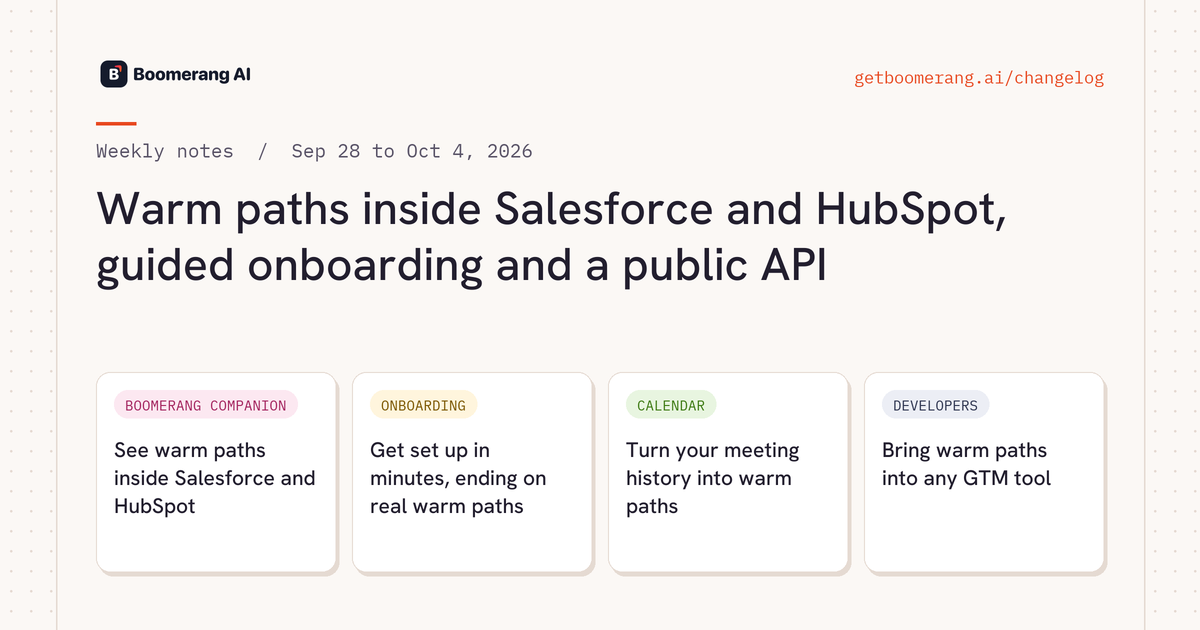
Boomerang CompanionWarm pathsOnboardingCalendarDevelopers

Warm paths inside Salesforce and HubSpot, guided onboarding and a public API

Open any account, opportunity or contact in Salesforce or HubSpot and see who can introduce you. New workspaces get a guided setup that ends on real warm paths, and developers can pull relationship data into the tools they already use.

Warm paths inside Salesforce and HubSpot, guided onboarding and a public API

Heads up

Everyone

"Target list" now means your uploaded list. Rudy answers from the accounts you uploaded by default, kept separate from look-alike accounts.

New this week

Boomerang CompanionNEW

See warm paths inside Salesforce and HubSpot

Boomerang Companion shows who can introduce you on account, opportunity, contact, lead and deal pages. On LinkedIn and Sales Navigator, the panel stays pinned as you move between profiles. You can also turn on warm paths for target account websites, and hide them per site.

Boomerang CompanionWebsite panel is opt-in
OnboardingNEW

Get set up in minutes, ending on real warm paths

Guided onboarding asks for your role, then walks you through target accounts (by search or CSV), integrations and teammates. You can start with as few as 5 Super Connectors, and we email you when your network is mapped.

CalendarNEW

Turn your meeting history into warm paths

Calendar Intelligence v2 builds Super Connectors, evidence and contacts from meetings that actually happened. Calendar Intelligence starts when you connect your calendar and looks back 5 years, so older relationships show up on day one.

Rolling out per workspace
DevelopersNEW

Bring warm paths into any GTM tool

Create workspace API keys and pull relationship data into Clay, Freckle, Floqer or your own stack. The public API ships with an OpenAPI 3.1 spec and is credit-metered. New MCP tools cover Super Connector details, calendar and Slack status, and person lookup by LinkedIn handle.

Credit-metered

Improved

RudyRudy in Slack, as a teammate.Upload files, see when Rudy is thinking, get private replies, and install Rudy in more than one workspace.
RudyAnswers in your own territory.Define "my accounts" as the ones you own, your reps' accounts, a HubSpot owner rule, or the whole list, on the Knowledge page.
Super ConnectorsPark connectors without deleting them.Mark Super Connectors Active or Dormant, one at a time or in bulk, and filter by status.
AccountsFind Companies, filtered your way.Search across several industries, filter by ICP category, and page through cleaner results.
Super ConnectorsAdd people without duplicates.Adding a user or Super Connector starts with search, and SSO sign-in matches your existing record.
Super ConnectorsFind the right titles fast.Search connections and members by one or more titles, like VP Sales or Head of Sales, and exclude tags or roles to build a buying-committee list in seconds.
Warm pathsBetter path ranking.Path quality scoring is more accurate and comes with richer summaries.
RudyTest alerts before they go live.Workflow alerts have a test mode with a preview, plus activity filters.
IntegrationsSimpler setup for Slack, Salesforce and Google.Fewer forms and a new Google setup guide.
RudyEvery contact, named and linked.Rudy's answers include each contact's name and LinkedIn profile, so you can act on a path straight away.
Warm pathsNew warm paths, surfaced for you.Rudy keeps finding new paths across your accounts as your network changes.
PlatformUpdates without interruptions.New releases reach you in the background while you keep working.
RudyTell us what you think.Send feedback from the Rudy launcher. The founding team reads and answers it.
RudyAdmins control what Rudy remembers.Only admins can change Rudy's workspace-wide memory, so the context he works from stays accurate for everyone.

Fixed

  • Rudy replies faster and more reliably in Slack.
  • Duplicate member records are merged, and adding someone by email links to their existing record.
  • Member search is more accurate.
  • Rudy gives more accurate answers from Salesforce and HubSpot.

Related

Questions about a change? Ask Rudy in Slack, or see it on your own network.

Try Boomerang free