Changelog

New at Boomerang

Weekly release notes for Rudy and the Boomerang platform: what shipped, what got better and what we fixed. Open any week for the full notes.

Weekly notes
IntegrationsOnboardingBoomerang CompanionWarm paths

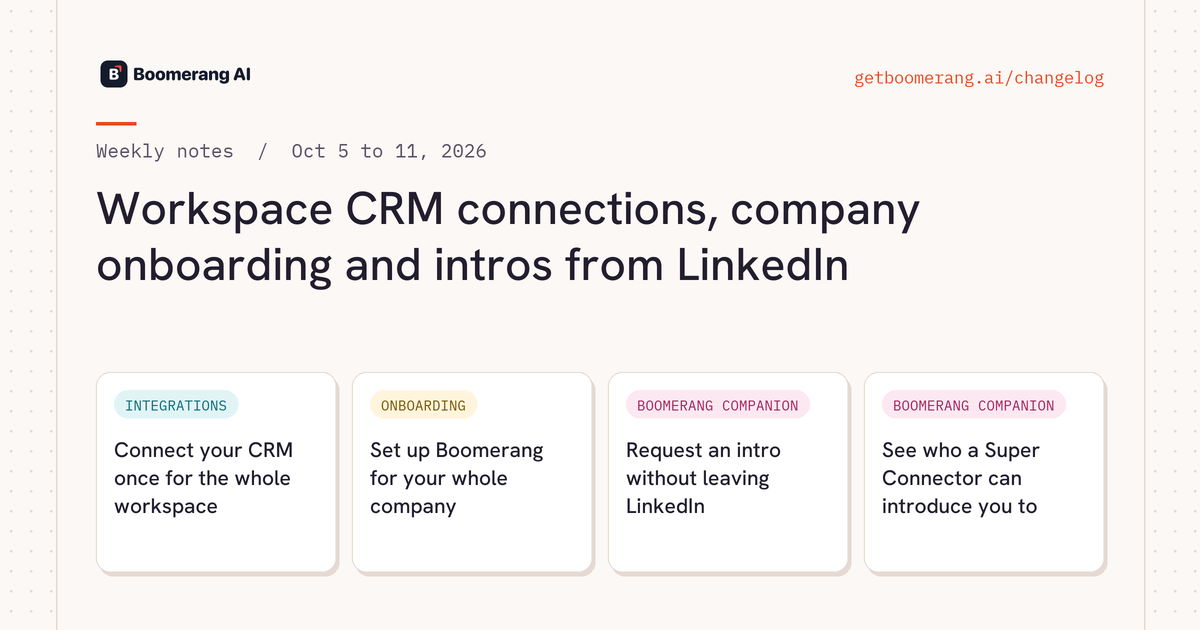
Workspace CRM connections, company onboarding and intros from LinkedIn

  • Connect your CRM once for the whole workspace. Admins connect HubSpot, Salesforce, Attio or Clarify on the Workspace Integrations page, and every teammate works from that one connection.
  • Set up Boomerang for your whole company. Workspace owners get a guided company setup in 6 steps: Plan, Integrations, Accounts, Connectors, Triggers and Results.
  • Request an intro without leaving LinkedIn. Boomerang Companion shows each Super Connector's relevance band and lets you filter warm paths live, like the Paths page in Boomerang.
  • See who a Super Connector can introduce you to. When you view a Super Connector's profile on LinkedIn or Sales Navigator, Boomerang Companion shows the companies and people they can open warm paths to.
Workspace CRM connections, company onboarding and intros from LinkedInRead the full notes →
Weekly notes
Boomerang CompanionWarm pathsOnboardingCalendar

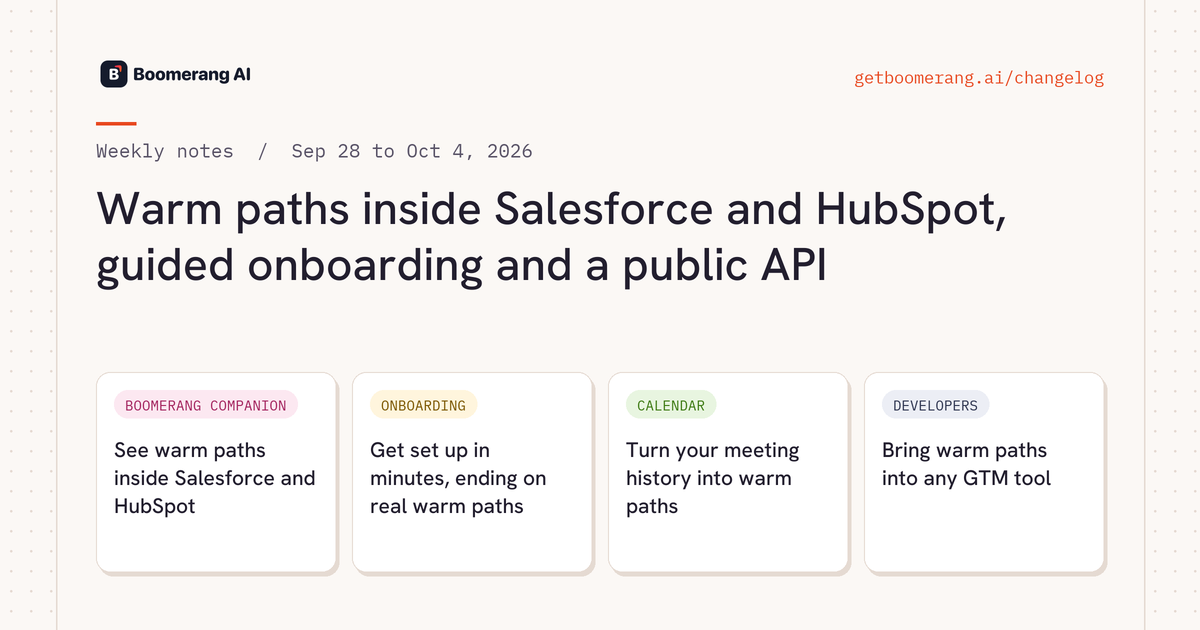
Warm paths inside Salesforce and HubSpot, guided onboarding and a public API

  • See warm paths inside Salesforce and HubSpot. Boomerang Companion shows who can introduce you on account, opportunity, contact, lead and deal pages.
  • Get set up in minutes, ending on real warm paths. Guided onboarding asks for your role, then walks you through target accounts (by search or CSV), integrations and teammates.
  • Turn your meeting history into warm paths. Calendar Intelligence v2 builds Super Connectors, evidence and contacts from meetings that actually happened.
  • Bring warm paths into any GTM tool. Create workspace API keys and pull relationship data into Clay, Freckle, Floqer or your own stack.
Warm paths inside Salesforce and HubSpot, guided onboarding and a public APIRead the full notes →
Weekly notes
Super ConnectorsWarm pathsPlans and billingRudy

Relevance scoring for every Super Connector, and new plans

  • Know who to ask, not just who's connected. Every Super Connector now gets a relevance band (High, Medium or Low) with a plain-English reason.
  • Starter, Team and Company plans. Pick the plan that fits your team.
  • See exactly why someone is a connector. Each category now shows the qualifying company, title and tenure, such as "VP Sales at Acme, 2019, 23".
  • Investor intros with a clear ask. When the best path runs through an investor, Rudy names the firm and the board point of contact, with their LinkedIn.
Relevance scoring for every Super Connector, and new plansRead the full notes →
Weekly notes
Super ConnectorsRudyPlans and billingWarm paths

Bulk-add Super Connectors and record who vouched for whom

  • Add up to 50 Super Connectors at once. Bulk add connectors with a category, tier and tags on each row.
  • Record who vouched for whom. Capture tier, source, nominator and notes when you add a Super Connector, or pick them straight from your LinkedIn connections.
Bulk-add Super Connectors and record who vouched for whomRead the full notes →
Weekly notes
Boomerang CompanionRudyWarm pathsAccounts

Boomerang Companion on LinkedIn, routing preferences for Rudy and company email domains

  • See warm paths while you browse LinkedIn. Boomerang Companion adds a launcher with a count badge to LinkedIn company and person pages, showing the warm paths you have there.
  • Tell Rudy who to avoid or prefer. Tell Rudy to skip, prefer or add a note to a contact or account, and every path list he shows follows that instruction.
  • Every company email domain in one workspace. Admins list every email domain their company uses on the Organization settings tab, kept separate from the company website domain, and choose the role people get when they join.
Boomerang Companion on LinkedIn, routing preferences for Rudy and company email domainsRead the full notes →
Weekly notes
Warm pathsRudyAccountsIntegrations

Every warm path in one table, people search and a full account page

  • Every warm path in one searchable table. Rudy's network panel shows warm paths by Super Connector, by account, by prospect or all at once, in a table you can search and filter.
  • Find people at any company with Rudy. Ask Rudy for people at one or more companies, filtered by seniority, location or title keywords, or look someone up by name and company.
  • Everything about an account in one place. The account page in Rudy shows a fuller account overview, a reworked paths table and starter prompts, and you can dictate questions in the account composer.
  • Rudy reaches more of your connected apps. Rudy can use every read action of the apps you connect, including HubSpot pipeline stages, and checks what an app can do before he answers.
Every warm path in one table, people search and a full account pageRead the full notes →
Weekly notes
AccountsSuper ConnectorsRudyWarm paths

Your own tags, alerts set up in chat and data analysis with Rudy

  • Organize your network with your own tags. Create any tags you like and apply them to accounts, contacts and Super Connectors, one at a time or in bulk.
  • Set up alerts by chatting with Rudy. Describe the alert you want and Rudy builds the trigger with you: he offers choices, confirms the schedule, lets you pick a Slack channel and checks before saving.
  • Analyze your own data with Rudy. Rudy can now run analysis over CSVs you upload and over large result sets, right in the chat.
  • Warm paths through your company's investments. When your company invests in other companies, Boomerang turns those portfolio companies into warm paths, so your own investments open doors at target accounts.
Your own tags, alerts set up in chat and data analysis with RudyRead the full notes →
Weekly notes
Warm pathsRudySuper ConnectorsIntegrations

Intro requests in Rudy, Super Connectors from your CRM, and Attio

  • Manage warm intro requests inside Rudy. The Warm Intro entry in Rudy's sidebar has Needs Attention and All Requests lists.
  • Add Super Connectors from Salesforce and HubSpot. Add in Bulk on the Add Super Connectors screen accepts a CSV file or a Salesforce or HubSpot report or list.
  • Work with your Attio CRM in Rudy. Attio joins the CRM integrations you can connect to Boomerang.
  • Put Rudy on a schedule with ready-made triggers. Start from a catalog of ready-made triggers with prompts already written, or set one up for your whole workspace.
Intro requests in Rudy, Super Connectors from your CRM, and AttioRead the full notes →
Weekly notes
RudyWarm pathsDevelopersAccounts

A Rudy that learns, parallel chats and exclude filters

  • Rudy remembers how you work. Rudy remembers your preferences across chats and marks each one he saves, so you never repeat yourself.
  • Run several Rudy chats at once. Start a question in one Rudy thread while another is still answering.
  • Exclude what you don't need from path searches. Warm path searches support exclude filters, so you can leave out the names, titles, domains or values you don't want.
A Rudy that learns, parallel chats and exclude filtersRead the full notes →
Weekly notes
Warm pathsRudyAccountsSuper Connectors

A Paths page, account categories and account maps in Rudy

  • Search every warm path in one place. The Paths page under Network lets you search all your warm paths with filters, including whether the account matches your ICP.
  • Organize accounts by category. Accounts now carry a category, such as Prospect, Open Opportunity, Closed Lost or Churned.
  • See which accounts your network can reach. Ask Rudy to map account strategy for an account, and he shows each account's ICP fit next to how reachable it is through your network.
  • Work from your own lists in Rudy. Upload a CSV or XLSX file straight into the Rudy composer, such as a customer list when no CRM is connected, and Rudy works on it as a table.
A Paths page, account categories and account maps in RudyRead the full notes →