IntegrationsOnboardingBoomerang CompanionWarm pathsSuper Connectors

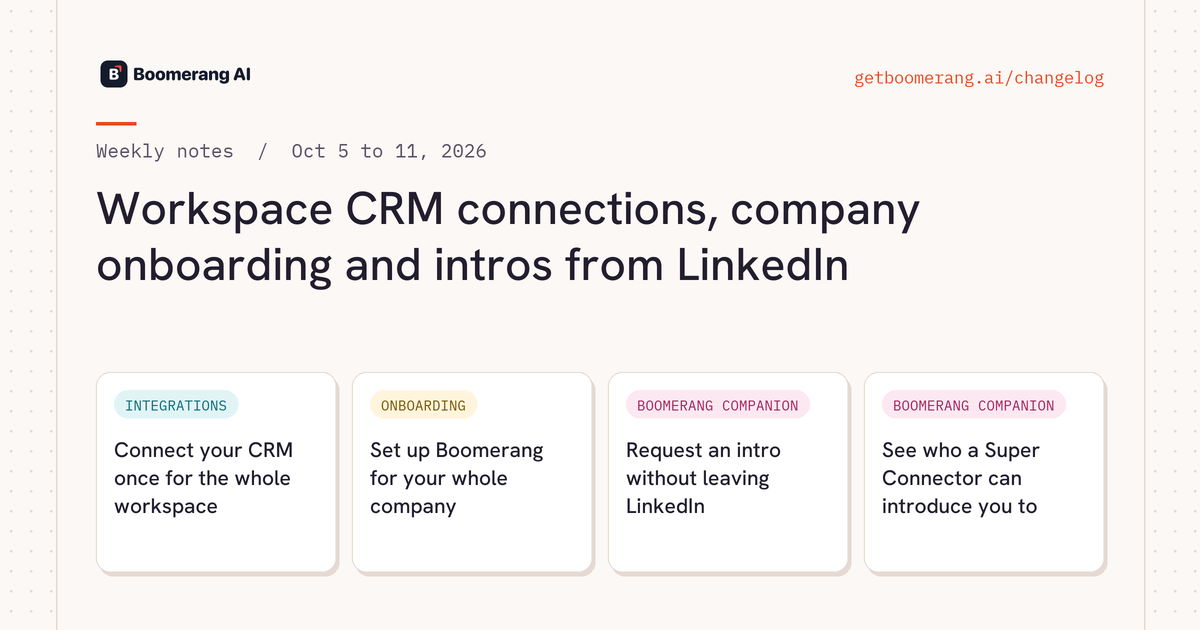
Workspace CRM connections, company onboarding and intros from LinkedIn

Admins connect HubSpot, Salesforce, Attio or Clarify once for the whole workspace, and workspace owners get a guided company setup. Try Boomerang Companion on LinkedIn first: it shows relevance bands, live path filters and a Request intro button that opens a ready draft in Rudy.

Workspace CRM connections, company onboarding and intros from LinkedIn

Heads up

Admins

CRM connections now belong to the workspace. Only admins connect or disconnect HubSpot, Salesforce, Attio and Clarify, on the Workspace Integrations page. Teammates see who connected each CRM and ask an admin when one needs connecting.

Anyone uploading Champions or Power Users

Champions and Power User uploads need a company name. The company domain is optional. Champions you upload during onboarding land in the Champions category.

Admins

Calendar Intelligence turns on when an admin connects Google Calendar. Calendar Intelligence then builds Super Connectors and warm paths from your meeting history, unless your workspace already chose its own Calendar Intelligence setting.

New this week

IntegrationsNEW

Connect your CRM once for the whole workspace

Admins connect HubSpot, Salesforce, Attio or Clarify on the Workspace Integrations page, and every teammate works from that one connection. Each CRM card shows who connected it, so everyone knows whose login Boomerang is using.

Admins connect
OnboardingNEW

Set up Boomerang for your whole company

Workspace owners get a guided company setup in 6 steps: Plan, Integrations, Accounts, Connectors, Triggers and Results. Connect your CRM, calendar, Slack and Boomerang Companion, confirm target and customer accounts, add Champions and Power Users, and turn on recommended triggers. The last step lets you ask Rudy a first question and invite your team.

Workspace ownersTeam, Company and Enterprise plans
Boomerang CompanionNEW

Request an intro without leaving LinkedIn

Boomerang Companion shows each Super Connector's relevance band and lets you filter warm paths live, like the Paths page in Boomerang. Request intro opens Rudy with a ready draft, so you review the ask before anything is sent.

Boomerang Companion
Boomerang CompanionNEW

See who a Super Connector can introduce you to

When you view a Super Connector's profile on LinkedIn or Sales Navigator, Boomerang Companion shows the companies and people they can open warm paths to. The header shows their category, relevance band and reach, and the launcher marks them as a Super Connector.

Boomerang Companion

Improved

Super ConnectorsPower Users get relevance bands too.Power Users show a High, Medium or Low relevance band with a reason, so you know which customer champion to ask first.
Super ConnectorsCurrent roles for your own team.Super Connectors who work at your company show their current title and start date, and their relevance band reflects that role.
Warm pathsWarm paths follow job changes.Leadership-bridge and affiliated-account paths use each Super Connector's current employer, so someone who changed jobs opens doors at their new company.
CalendarCalendar Intelligence recognizes more people.Calendar Intelligence matches more of the people you meet to their profiles, so more of your meetings turn into warm paths.
Warm pathsPath counts match everywhere.Rudy's path panels, Network > Paths and Rudy's chat answers show the same total for the same filters, and the panels show those filters as chips.
AccountsJump from an account to its warm paths.The paths count on Network > Accounts opens that account's Paths tab.
RudyStart from a ready-made prompt.Rudy's home screen offers 3 starter prompts that fill the composer, so you type your own accounts or LinkedIn URL over the placeholder.
Super ConnectorsPick a category as you add people.On the Your Network tab, choose a category and edit each person's email before adding them as Super Connectors.
Boomerang CompanionBoomerang Companion setup in one place.One guided setup covers install, website access, LinkedIn sign-in and mapping your network, with a live count, from onboarding, the Tools tab or a shareable setup page.
PlatformStay signed in.Boomerang keeps you signed in on the web app and in Boomerang Companion until you sign out.
PlatformQuicker pages.The Connectors table loads first, and account path counts, warm path search and filter options load faster.
DevelopersUse Boomerang from Make and Zapier.New guides show how to connect Make and Zapier to Boomerang's MCP server, and a public reference documents the REST API.

Fixed

  • Calendar Intelligence keeps relationship details current for workspaces with very large calendars.
  • Warm paths that span several accounts show the contact's title at each company.
  • Boomerang Companion maps your network more reliably.
  • In Boomerang Companion, every warm path names who to ask, and investor paths open the target account in Boomerang.
  • Rudy threads show each account's name.
  • Ask Rudy from the launcher opens the chat on any page.
  • Connecting an AI assistant to Boomerang picks up your existing sign-in.
  • Skills you save in a Rudy chat are published and used when relevant.
  • Integrations show when a connection needs reconnecting.

Related

Questions about a change? Ask Rudy in Slack, or see it on your own network.

Try Boomerang free