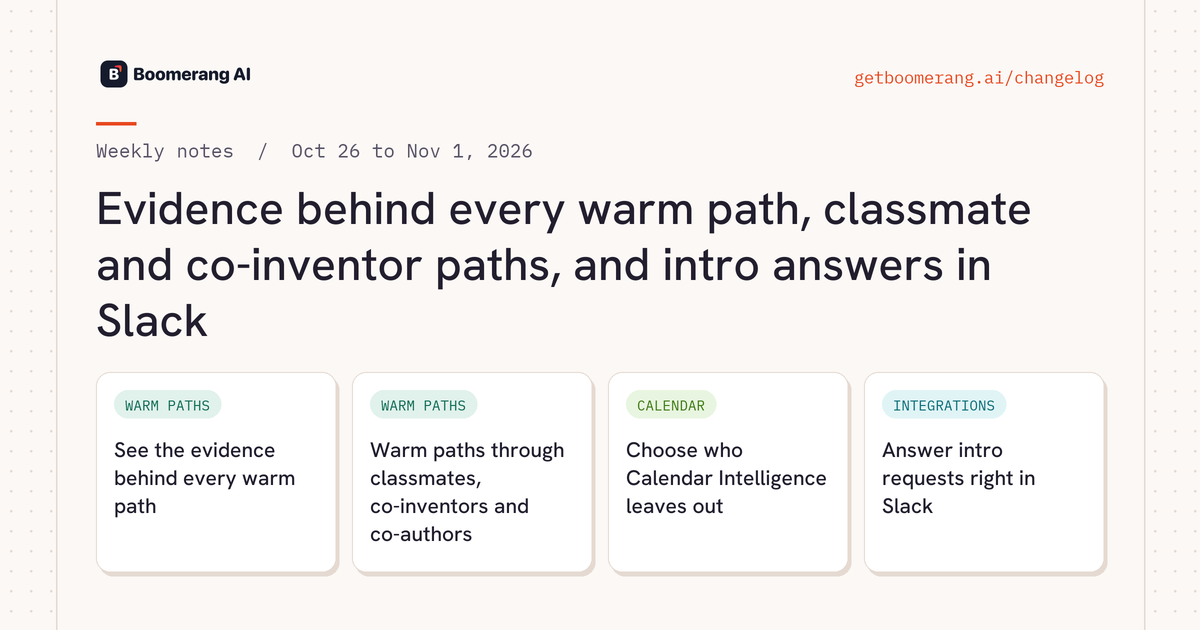
See the evidence behind every warm path
Path rows on the Paths page and in Boomerang Companion show why a relationship exists: posts a Super Connector commented on or reacted to, recommendations, research findings and event pages. Click Evidences to see each item with its link, month, title and quote, and a comment opens on LinkedIn at the comment itself. Rudy uses the same evidence when he drafts an intro or a LinkedIn message.
Warm paths through classmates, co-inventors and co-authors
Classmates paths connect people who studied together, and Same school adds a conversation starter next to another tie. Co-inventor and Co-author paths connect people who share a patent or a publication, with its title and link as evidence. Rudy, Boomerang Companion and the Paths filters all know the new path types.
Classmates and Same school: paid and trial workspacesCo-inventor and Co-author: paid workspaces
Choose who Calendar Intelligence leaves out
Owners and Technical Admins click the gear on the connected Google Calendar card to exclude directory users or whole Google groups, including people who join those groups later. A group deleted in Google shows as Deleted in Google so you can tidy the list.
Owners and Technical AdminsGoogle Calendar
Answer intro requests right in Slack
Super Connectors get each intro request as a Slack message with the requester's name and Accept, Decline, Needs Clarification and Why This Intro? buttons. Decline asks for a short reason and an optional note, and Needs Clarification sends your question to the workspace admin.
Workspaces with Rudy on Slack